
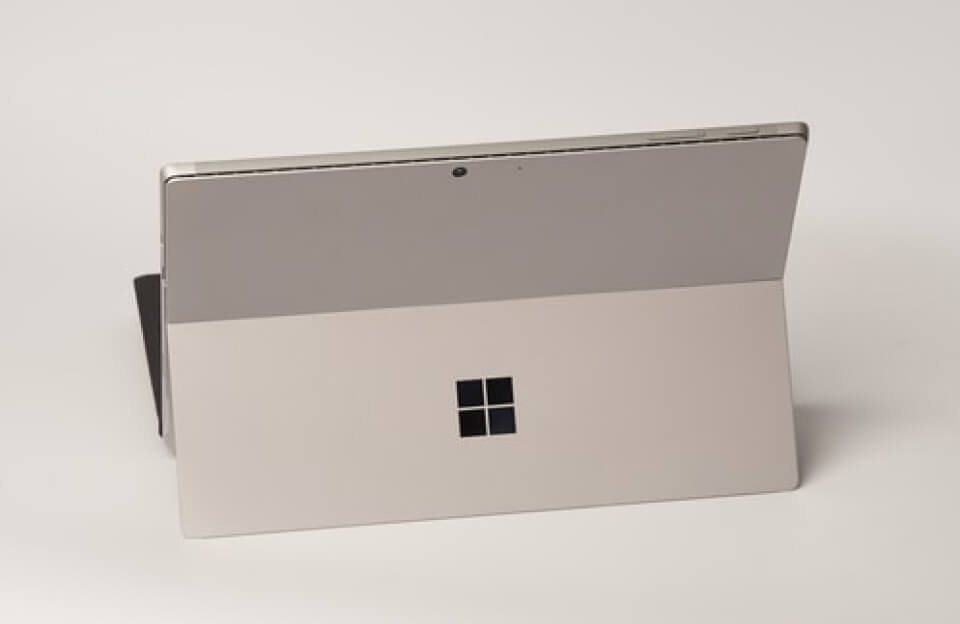
For many teenagers, a computer is part of almost every part of daily life. They may use it to attend online classes, complete assignments, watch videos, communicate with friends, explore new interests, or work on creative projects. For parents, this makes choosing and managing a computer a little more complicated than simply looking at its specifications.
Microsoft Surface devices are built for a wide range of everyday activities, but families also need to think about how teenagers use technology. A good device should support learning and independence while giving parents reasonable ways to encourage safer digital habits.
The important thing is finding the right balance. Teenagers need privacy and freedom as they grow, while parents still have a responsibility to help them understand online risks.
A Surface Device Can Become Part of a Teenager’s Learning
Teenagers do much more with a computer than write school assignments. A single device can become a place for research, note-taking, presentations, creative work, coding, communication, and entertainment.
That flexibility can be valuable for students. Instead of using technology only when a teacher requires it, teenagers can gradually learn how to use digital tools on their own.
For parents, this creates an opportunity to encourage productive use. A teenager interested in photography might explore editing. Someone interested in writing could start a personal project. Another student might use the computer to learn programming or research a subject that is not covered extensively in school.
The device becomes more useful when teenagers are encouraged to create and learn rather than simply consume content.
Giving Teenagers Their Own Account
One practical step for families is to give each teenager a separate Microsoft account on the computer.
A personal account keeps files, preferences, applications, and settings separate from other family members. It can also help parents establish appropriate permissions without treating the teenager’s computer experience exactly like that of a younger child.
This small step can also teach responsibility. Teenagers learn that their files and account settings are their responsibility, while parents can still establish basic family rules.
As teenagers become more independent, these habits can prepare them for managing their own computers and online accounts later in life.
Screen Time Is About More Than Counting Hours
Screen time is often one of the biggest sources of disagreement between parents and teenagers.
The problem is that not every hour spent in front of a screen has the same purpose. An hour spent completing homework is different from an hour spent scrolling through social media. Researching a school project is different from watching entertainment videos late at night.
For this reason, families may find it more useful to discuss how a device is being used instead of focusing only on the total number of hours.
Microsoft Family Safety provides tools that can help parents establish screen-time limits and schedules. These controls can provide structure, particularly when a teenager is struggling to maintain a healthy routine.
However, technology settings work best when teenagers understand the reason behind them. A conversation about sleep, school responsibilities, exercise, and family time can be more effective than simply imposing a limit without explanation.
Helping Teens Handle the Internet Responsibly
The internet gives teenagers access to an enormous amount of information. That access can support learning, but it also introduces risks.
Young people may encounter misleading information, inappropriate content, scams, suspicious downloads, aggressive online behavior, or people who do not have good intentions.
Parents can use content controls and website restrictions as an additional layer of protection. At the same time, teenagers should learn how to make their own decisions.
For example, they should know how to recognize a suspicious website, question information that seems unreliable, and avoid clicking links from unknown sources.
These skills become increasingly important as teenagers get older and receive more independence online.
Privacy Should Start at Home
Privacy is another subject that deserves attention.
Teenagers may not always realize how much information they reveal through social media profiles, gaming accounts, websites, and online conversations. A photograph, location, school name, phone number, or personal comment can reveal more than they initially intend.
Parents can use everyday situations to explain why personal information should be protected.
Instead of simply saying “don’t share that,” it can be helpful to ask teenagers what could happen if the information reached the wrong person.
This encourages them to think before sharing and gives them a better understanding of digital privacy.
Cybersecurity Is a Family Responsibility
A secure computer is helpful, but security does not stop with the device itself.
Teenagers should develop basic cybersecurity habits early. Simple practices can prevent many common problems.
They should learn to:
- Create strong, unique passwords.
- Use multi-factor authentication where available.
- Keep Windows and applications updated.
- Avoid opening unexpected attachments.
- Be cautious with unfamiliar links.
- Download software only from trustworthy sources.
- Lock the computer when leaving it unattended.
- Report suspicious activity instead of ignoring it.
These habits may seem basic, but they become increasingly valuable as teenagers start managing more of their own accounts.
Teaching Teens to Think Critically About AI
Artificial intelligence has also changed the way teenagers find and create information.
AI tools can help students brainstorm ideas, explain difficult concepts, organize information, and explore unfamiliar subjects. But they can also produce incorrect or misleading answers.
Parents and educators can encourage teenagers to treat AI as a tool rather than an unquestionable source of truth.
A teenager using an AI tool for research should still ask questions such as:
Where did this information come from?
Can I verify it somewhere else?
Does the answer actually make sense?
Am I using AI to learn, or am I simply avoiding the work of thinking for myself?
Learning to question technology is becoming just as important as learning how to operate it.
Technology Rules Should Grow With the Teenager
A rule that works for a younger child may not work for a sixteen- or seventeen-year-old.
As teenagers demonstrate better judgment, families can gradually adjust their boundaries. More independence can become part of the process rather than something that suddenly happens when they become adults.
Parents might begin with stronger restrictions and gradually move toward greater responsibility. The teenager can then learn to manage screen time, privacy, security, and online behavior with less supervision.
This approach can also reduce conflict because the goal is clear: greater responsibility leads to greater independence.
Building Trust Around Technology
Parents do not need to know everything their teenager does online. What matters more is creating an environment where the teenager feels comfortable asking for help.
If something frightening, embarrassing, or suspicious happens online, a teenager should know that talking to a parent will not automatically result in losing access to the device.
That trust can make a significant difference.
Technology controls can help establish boundaries, but communication helps teenagers understand those boundaries. The two work best together.
Final Thoughts
For families of teenagers using Microsoft Surface devices, the goal should not be to control every aspect of digital life. It should be to help young people become confident and responsible technology users.
A Surface device can support education, creativity, communication, and personal interests. With sensible account settings, appropriate boundaries, good cybersecurity practices, and regular conversations about privacy and online behavior, families can create a healthier digital environment.
Most importantly, teenagers should gradually learn to make safe decisions for themselves. Technology will continue to change, but the ability to think critically, protect personal information, recognize risks, and use digital tools responsibly will remain valuable long after they leave school.
Frequently Asked Questions
1. Is Microsoft Surface suitable for teenagers?
Yes. Surface devices can support schoolwork, research, creativity, entertainment, and other everyday activities for teenagers.
2. How can parents manage a teen’s screen time?
Parents can use Microsoft Family Safety to create screen-time schedules and establish reasonable limits for device use.
3. How can teens stay safer online?
Teens should use strong passwords, avoid suspicious links and downloads, protect personal information, and learn to identify unsafe online content.
4. Should teenagers use AI tools?
AI can be useful for learning and research, but teenagers should verify AI-generated information and use these tools responsibly.